
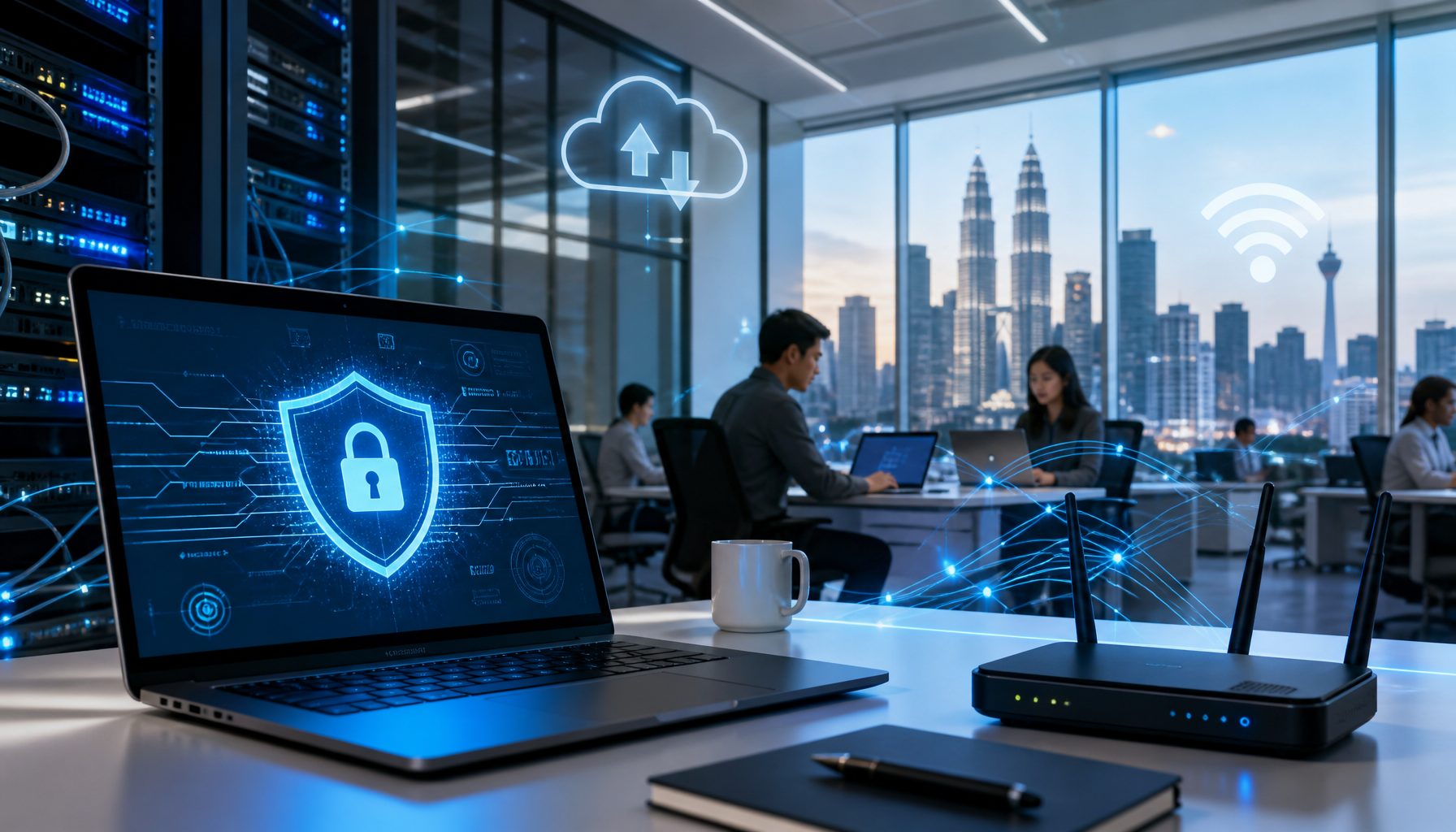
These IT tips for Malaysian businesses will help you do more with less. If you’re running a business in Malaysia, you’ve probably felt the pressure to do more with less. Whether you’re a growing SME in Shah Alam or managing IT operations for a regional MNC, the challenge remains the same: keeping your team productive while protecting your data from an ever-growing list of cyber threats. The good news is that you don’t need to overhaul your entire IT infrastructure overnight. Small, strategic changes to how you manage technology can yield significant improvements in both efficiency and security.
Many Malaysian businesses operate in a hybrid or remote-first environment these days, which brings its own set of IT complications. Network management becomes more complex, hardware needs are spread across multiple locations, and the risks of security breaches multiply. Yet most businesses haven’t fully optimized their IT practices to handle this new reality. This is where practical IT tips can make a real difference, helping you avoid costly downtime, data loss, and the headaches that come with poorly managed systems.
Prioritize Regular Software Updates and Patch Management
One of the simplest yet most overlooked IT practices is keeping your software up to date. Updates aren’t just about shiny new features—they’re critical security patches that close vulnerabilities hackers actively exploit. In the APAC region, we’ve seen countless businesses fall victim to ransomware and data breaches because they delayed applying patches for weeks or even months.
Set a clear schedule for updates across all your devices and applications. Test updates in a non-critical environment first, particularly for mission-critical systems. For businesses spread across multiple locations in Malaysia and the region, a centralized patch management system ensures consistency and reduces the manual work involved. This single practice can prevent the majority of opportunistic cyberattacks before they ever reach your network.
Implement Multi-Factor Authentication Across All Critical Systems
Passwords alone are no longer sufficient protection, especially for sensitive business systems and cloud applications. Multi-factor authentication (MFA) adds a second verification layer—typically a code sent to your phone or generated by an authenticator app—that makes unauthorized access exponentially harder.
Start by implementing MFA on your most critical systems: email accounts, financial software, and any cloud storage where confidential business data lives. Your employees in Kuala Lumpur, Penang, or anywhere across Southeast Asia can use MFA without added complexity. The slight inconvenience of entering a second code is far outweighed by the dramatic reduction in account compromise. Many businesses find that MFA adoption becomes normalized within days, and the security payoff justifies the initial setup effort.
Establish a Hardware Refresh and Maintenance Schedule
Aging hardware isn’t just slow—it becomes a security liability. Older devices may no longer receive security updates, their components wear out, and they consume more power while delivering less performance. Yet many Malaysian businesses continue running equipment well past its optimal lifespan, trying to squeeze out every last drop of productivity.
Work with your IT support team to assess your current hardware inventory and develop a realistic replacement schedule. This doesn’t mean replacing everything at once. A rolling refresh program—retiring the oldest devices first and replacing them strategically—spreads the cost and keeps your infrastructure current. Proper maintenance, including regular cleaning, disk checks, and driver updates, extends hardware life and prevents unexpected failures that disrupt your operations.
Backup Your Data Religiously and Test Recovery Procedures
Data loss can devastate a business. Whether it’s caused by hardware failure, accidental deletion, ransomware, or natural disaster, the cost of losing critical files—customer databases, financial records, project files—can be catastrophic. The principle is simple: backup your data regularly and keep those backups protected and separate from your primary systems. Of all the IT tips here, this is the one most offices only take seriously after something goes wrong.
Implement the 3-2-1 backup rule: maintain three copies of your data, on two different media types, with one copy stored offsite. For businesses operating across Malaysia and the broader APAC region, cloud backups offer scalability and geographic redundancy. However, don’t just set up backups and forget them. Test your recovery procedures quarterly to ensure you can actually restore data when needed. Many businesses discover their backups are corrupted or incomplete only when disaster strikes—far too late to prevent damage.
Train Your Staff to Recognise Phishing and Scams
Most security breaches still start with a person clicking a link, opening an attachment or replying to a message that looks legitimate. Fake invoices, spoofed bank alerts and “urgent” requests from a manager on WhatsApp all rely on staff acting quickly without checking. Technology helps, but it cannot stop every message from getting through.
Run short awareness sessions at least twice a year, and refresh them whenever a new scam pattern starts circulating. Show real examples such as these phishing warning signs and the WhatsApp scams targeting Malaysian office staff. Make it easy to report a suspicious message, and never punish someone for asking. Of all the IT tips in this list, this is the cheapest to implement and one of the most effective.
Frequently Asked Questions
Which of these IT tips should a small office start with?
Start with multi-factor authentication and a tested backup. Both are low-cost, quick to set up and protect you against the two incidents that hurt small businesses most: account takeover and data loss. Patch schedules and hardware refresh planning can follow once those two are in place.
How often should office computers be updated and patched?
Security updates should be applied at least monthly, and critical patches as soon as they have been tested. A fixed monthly maintenance window, outside business hours, keeps updates predictable and avoids interrupting staff during peak work time.
Do these IT tips apply to offices with only a few staff?
Yes. A five-person office faces the same phishing, ransomware and hardware-failure risks as a larger company, but usually has less capacity to recover. Applying these basics early is far cheaper than fixing a breach or rebuilding lost data later.
When should a business outsource IT support instead of handling it in-house?
Outsourcing makes sense when routine maintenance keeps slipping because your team is busy firefighting, or when you have branches without local technical staff. A managed IT partner can take over patching, monitoring and on-site visits, so the IT tips above are applied consistently at every location rather than only when someone has time.
Putting These IT Tips Into Practice
These IT tips form the foundation of a resilient, secure business operation. They’re not flashy or complicated, but they’re proven to prevent most common problems that disrupt Malaysian businesses. If you’re ready to strengthen your IT practices but aren’t sure where to start, Servcom Solutions can help. Our team provides comprehensive IT support, network management, and smart hands services across Malaysia and the Southeast Asia region. Contact Servcom today to discuss how we can tailor these strategies to your specific business needs.