
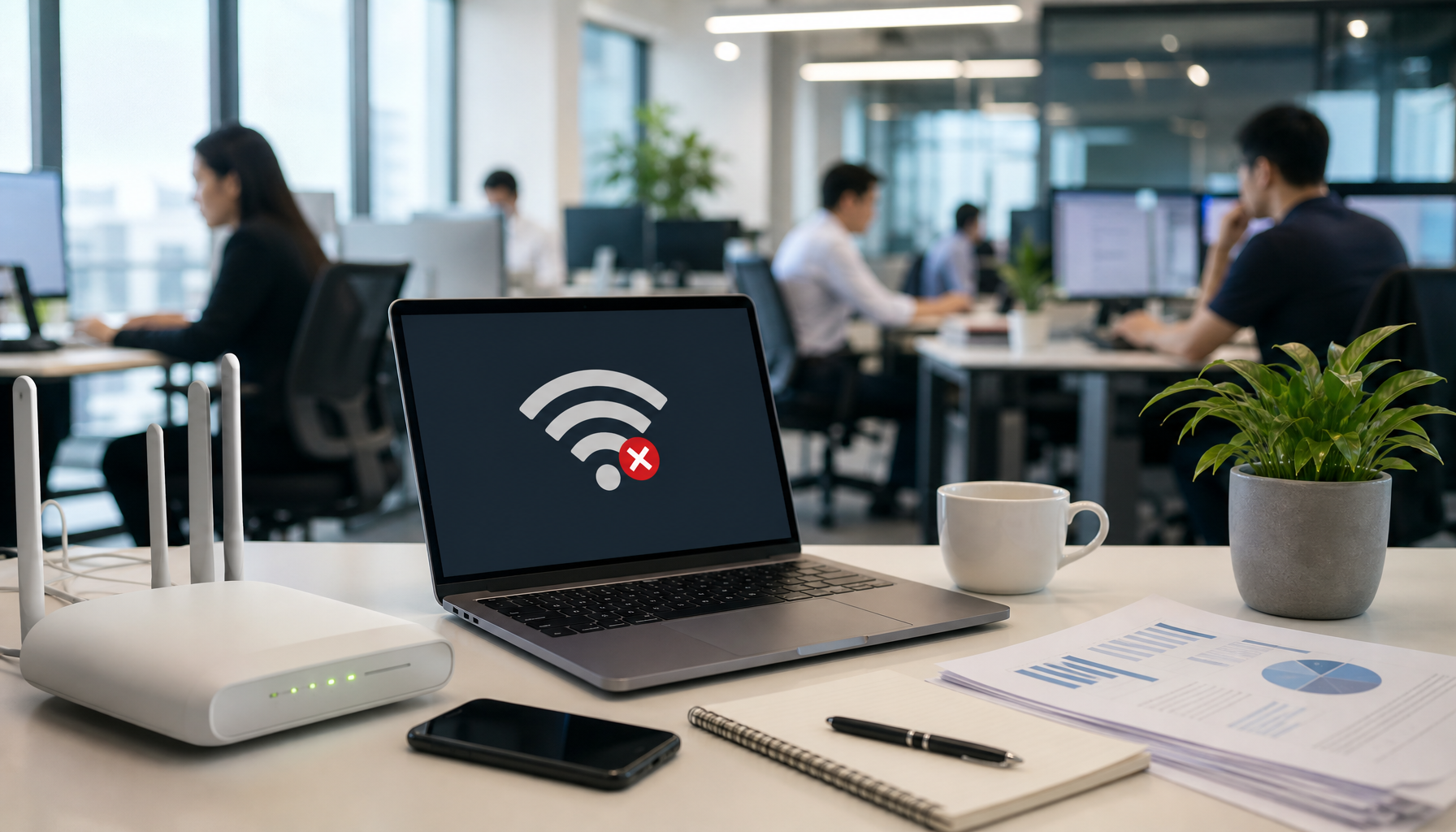
Network stability Malaysia problems disrupt more offices than any other IT complaint. Dropped video calls, stalled uploads, and frustrated staff are usually symptoms of one fixable cause, not bad luck. This guide covers the four fixes IT teams reach for once they diagnose what is actually going wrong.
Picture this: a client call to Singapore stalls mid-sentence, a file upload freezes, and the WiFi icon blinks out. Everyone stops working at once. This scenario plays out weekly in offices from Shah Alam to Penang and Johor Bahru, and it rarely means the internet connection itself has failed.
Most IT teams and office managers spend far more time reacting to network problems than preventing them. Understanding the root cause changes that pattern, and it starts with knowing where to look first.
What Actually Causes Office WiFi to Drop?
Dozens of devices compete for the same bandwidth on a typical office network: laptops, phones, printers, IP cameras, and access control systems all draw from one connection. Add congestion during peak hours, interference from nearby networks, or outdated equipment, and problems multiply fast.
A common mistake among Malaysian SMEs is blaming the ISP when the real issue sits inside the internal network. An ISP can deliver 100 Mbps perfectly well, but if the internal WiFi cannot distribute that speed efficiently, users still feel the slowdown. Diagnosing whether the bottleneck is router capacity, WiFi range, or device density determines which fix actually works.
Network Stability Malaysia: Planning Ahead for Growth
A network that handles fifteen devices comfortably today can struggle the moment two new hires bring extra laptops and phones online next quarter. Network stability Malaysia planning means sizing for that growth before it happens, not scrambling once performance drops.
Many offices are still running networks designed for yesterday's usage patterns. Adding access points, upgrading equipment, or segmenting the network by device type takes planning, but it replaces constant firefighting with predictable performance.
Basic Maintenance Habits That Prevent Most Outages
Firmware updates close security holes and improve stability. Newer wireless standards such as Wi-Fi 6 handle device-dense offices far better than older hardware, and a proper WiFi upgrade plan makes the switch painless. Router placement matters too: central and elevated beats a cupboard or a corner.
Channel selection reduces interference from neighbouring networks, and none of this requires deep technical skill. A few minutes of monthly monitoring — checking firmware versions, reviewing logs, testing real-world speeds — catches most problems before they become outages.
When Should You Call for Professional Network Support?
Some issues need specialised expertise: load balancing across multiple connections, proactive monitoring that flags problems before users notice, or designing networks for multi-site deployments across APAC. These are not typical office-manager tasks, and neither is troubleshooting connectivity issues that span several locations.
Knowing where your team's ability ends and professional network management should begin prevents wasted hours chasing the wrong fix. It also keeps network stability improving, instead of cycling through temporary patches.
For the kind of network stability Malaysia offices can count on, the payoff shows up in productivity, client perception, and how smoothly a business runs day to day. Problems won't disappear completely, but their frequency and severity drop sharply with the right planning, routine maintenance, and timely expertise. Servcom Solutions works with offices across Shah Alam, Kuala Lumpur, Penang, and Johor Bahru to diagnose what is really happening on the network and fix it for good.
Frequently Asked Questions
Why does office WiFi keep dropping even when the internet plan is fast enough?
Speed and stability are different problems. An ISP can deliver its full advertised speed while the internal WiFi still struggles to distribute it across many competing devices, causing drops that have nothing to do with the internet connection itself.
How often should office routers and access points be updated?
Firmware should be checked monthly and applied as soon as a stable update is available, since most updates patch both security gaps and stability bugs that cause random disconnections.
How can I tell if it's an ISP problem or an internal network problem?
Run a speed test on a device connected directly by cable to the router. If that result matches what the ISP promises but WiFi-connected devices are still slow, the bottleneck is internal — router capacity, placement, or interference — not the internet connection.
When should a Malaysian SME bring in professional network support?
Once problems involve multiple sites, require load balancing across connections, or keep recurring despite basic maintenance, it's usually more cost-effective to bring in professional network management than to keep troubleshooting internally.
Get a Quote for a network stability assessment tailored to your office.