
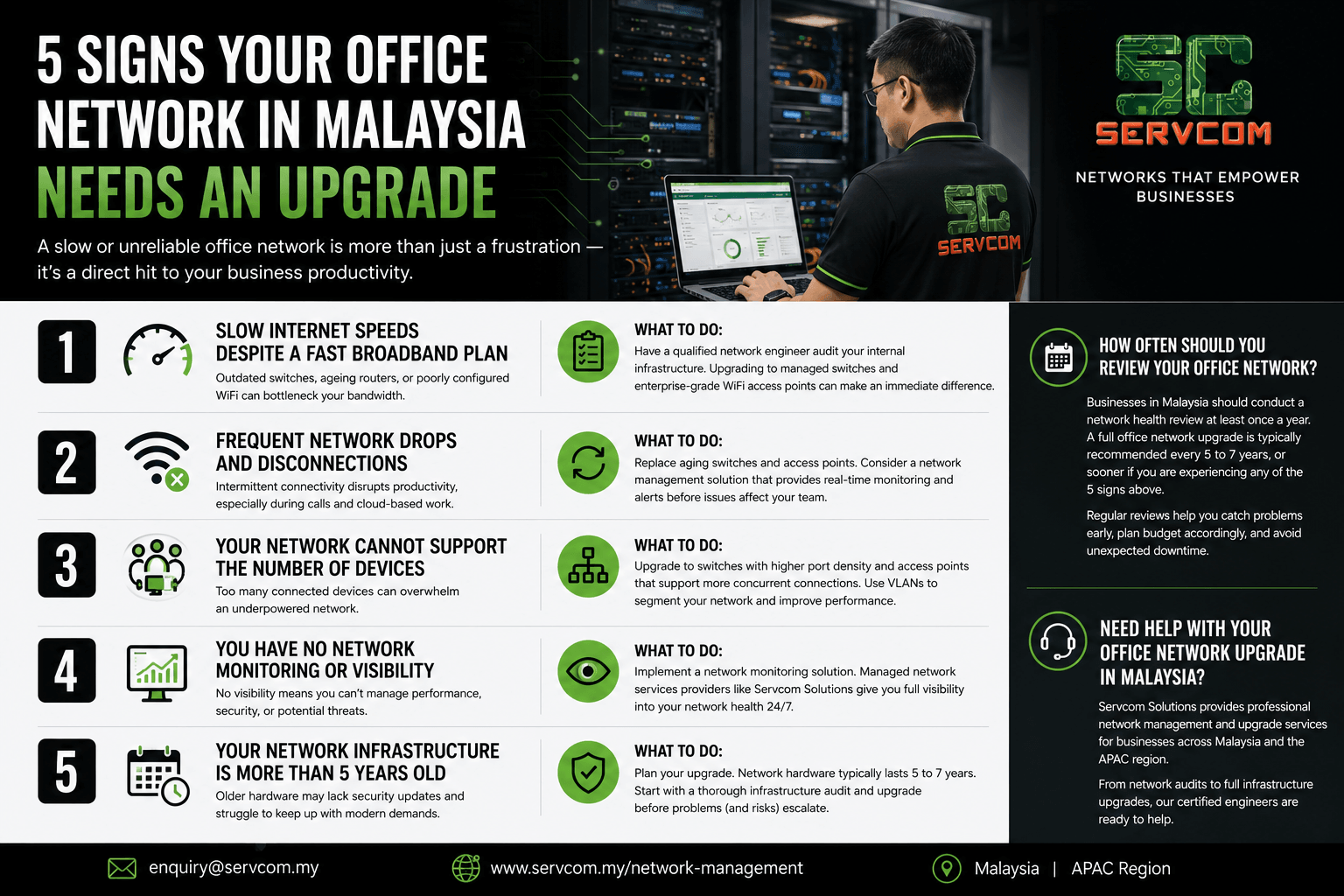
Office network upgrade Malaysia — is your business overdue for one? A slow or unreliable office network is more than just a frustration — it’s a direct hit to your business productivity.
Here are 5 signs that your office network in Malaysia needs an upgrade — and exactly what you should do about each one.
1. Slow Internet Speeds Despite a Fast Broadband Plan
If your team is constantly complaining about slow internet even though you’re paying for a high-speed broadband plan, the problem is likely your internal network — not your ISP. Outdated switches, ageing routers, or poorly configured WiFi access points can bottleneck your bandwidth significantly.
What to do: Have a qualified network engineer audit your internal infrastructure. Upgrading to managed switches and enterprise-grade WiFi access points can make an immediate difference.
2. Frequent Network Drops and Disconnections
Intermittent connectivity issues — where devices randomly lose connection or VPN calls drop mid-meeting — are classic signs of aging network hardware. This is especially problematic for businesses running cloud-based applications or video conferencing tools like Microsoft Teams or Zoom.
What to do: Replace aging switches and access points. Consider a network management solution that provides real-time monitoring and alerts before issues affect your team.
3. Your Network Cannot Support the Number of Devices
Modern offices have more connected devices than ever — laptops, smartphones, tablets, printers, IP cameras, and IoT devices. If your current network infrastructure was designed for a smaller team or fewer devices, it may simply be overwhelmed.
What to do: Upgrade to switches with higher port density and access points that support more concurrent connections. Proper network segmentation using VLANs can also improve performance significantly.
4. You Have No Network Monitoring or Visibility
If your IT team has no visibility into what’s happening on your network — which devices are connected, how much bandwidth is being consumed, or whether any threats are present — you’re flying blind. This is a serious risk for businesses handling sensitive data.
What to do: Implement a network monitoring solution. Managed network services providers like Servcom Solutions can set up monitoring dashboards that give you full visibility into your network health 24/7.
5. Your Network Infrastructure Is More Than 5 Years Old
Network hardware has a typical lifespan of 5 to 7 years. Beyond that, devices may no longer receive firmware or security updates, leaving your business exposed to vulnerabilities. Older hardware also struggles to keep up with modern bandwidth demands.
What to do: Consider this a reminder that an office network upgrade is something every Malaysian business should prioritise at least once every 5 years — starting with a thorough infrastructure audit.
How Often Should You Plan an Office Network Upgrade?
As a general rule, businesses in Malaysia should conduct a network health review at least once a year. Most IT teams recommend a full office network upgrade every 5 to 7 years, or sooner if you are experiencing any of the 5 signs above. Regular reviews help you catch problems early, plan budget accordingly, and avoid unexpected downtime that disrupts your operations.
Need Help With Your Office Network Upgrade in Malaysia?
Servcom Solutions provides professional network management and upgrade services for businesses across Malaysia and the APAC region. From network audits to full infrastructure upgrades, our certified engineers are ready to help.
Our team of CIDB certified network engineers serves businesses across Kuala Lumpur, Shah Alam, Petaling Jaya, Selangor, Penang, and Johor Bahru. Whether you need a quick network assessment or a full infrastructure overhaul, we provide flexible, cost-effective solutions tailored to your business size and budget.
Contact us at enquiry@servcom.my or visit our Network Management page to learn more.