
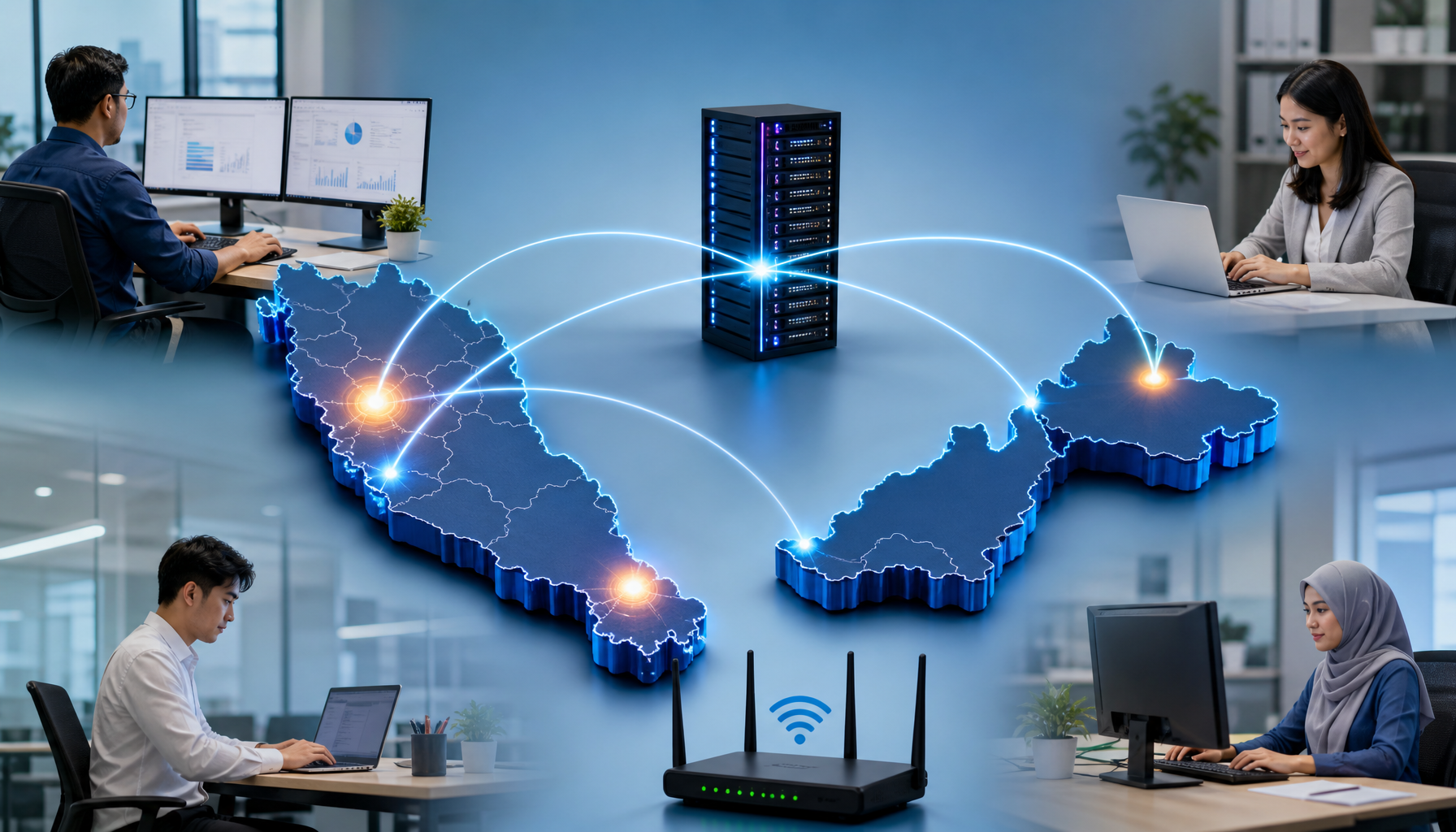
Managing multiple office locations Malaysia-wide is a challenge many growing businesses face. You’re running an office in Shah Alam, another in Penang, and maybe a third in Johor. Each location has its own computers, printers, internet connection, and staff who need things to work properly. The problem isn’t complicated—it’s just everywhere at once. When the printer breaks in Penang, you can’t just walk over and fix it.
When someone in Johor forgets their password, they can’t wait three days for head office to sort it out. When one branch’s internet goes down, you lose productivity across a whole team until someone shows up to investigate. Managing IT across multiple locations drains time and money fast, and most IT teams find themselves stretched thin trying to keep up.
The good news is that many Malaysian businesses have figured out practical ways to handle this. It’s not about having a huge IT department in every city. It’s about setting up systems and procedures that let your locations run smoothly without constant firefighting from head office. The patterns that work are straightforward—remote support, clear communication channels, preventive maintenance, and knowing when to bring in outside help. Here is how they keep multiple office locations under control.
Set Up Remote Support Before You Need It
Your first move is to make sure IT staff can access computers and systems from a distance. Tools exist that let someone in your main office see and control a computer in another branch in real time. This means password resets, software installations, and troubleshooting happen without waiting for someone to travel.
Remote access isn’t new technology, but many Malaysian SMEs still don’t have it configured properly. If your staff are using old setups or relying on phone calls to walk people through problems, you’re wasting time and creating frustration. Getting remote support in place takes a few hours of setup but saves dozens of hours every month.
Create a Clear Escalation Path for Each Location
Your team members in each office need to know exactly who to contact when something breaks. This isn’t about hierarchy—it’s about speed. Designate one person at each location as the first point of contact for IT issues. That person doesn’t need to be an IT expert. They just need to be reliable, present, and able to document the problem properly.
When they can’t fix it themselves, they escalate to head office or to your external IT support partner with all the details already recorded. This stops the chaos of ten different people emailing different contacts with vague descriptions of what went wrong. It also gives your IT staff somewhere to start their investigation instead of having to chase down information.
Schedule Regular Hardware Checks, Not Just Emergency Repairs
Most offices only think about their computers when something breaks. By then, the damage is done—data is at risk, work stops, and someone has to rush to fix it. A better approach is to have someone visit each location once a quarter to check equipment, update software, replace worn cables, and clean out dust from machines.
These visits take half a day but prevent most of the emergencies that would otherwise happen. You catch failing hard drives before they crash. You spot security updates before they become vulnerabilities. You replace batteries in backup power supplies so they actually work when the power cuts out. This kind of preventive work costs less than emergency repair calls and keeps your branches running reliably.
Document the Network Setup at Multiple Office Locations
You should have a simple written record of what equipment is at each branch—which computers, what printers, how the internet connection works, who has access to what. This sounds obvious, but most businesses with multiple office locations don’t have this recorded anywhere. When the person who knows how everything is connected leaves, or when you need to troubleshoot an issue remotely, you’re working blind.
Spend a few hours creating a basic diagram or spreadsheet for each location. Note down IP addresses, router settings, software licenses, and contact information for service providers. Keep this somewhere accessible but secure. When problems come up, this documentation cuts your troubleshooting time in half.
Running IT across multiple office locations in Malaysia works best when you combine good systems, clear communication, and preventive maintenance. This approach prevents most of the chaos that comes with managing scattered offices. If you’re building these systems for the first time, or if you need help setting up remote support and documentation across your branches, Servcom Solutions can help get your multi-location IT running smoothly. Contact Servcom to talk through your current setup and what might work better for your business.