
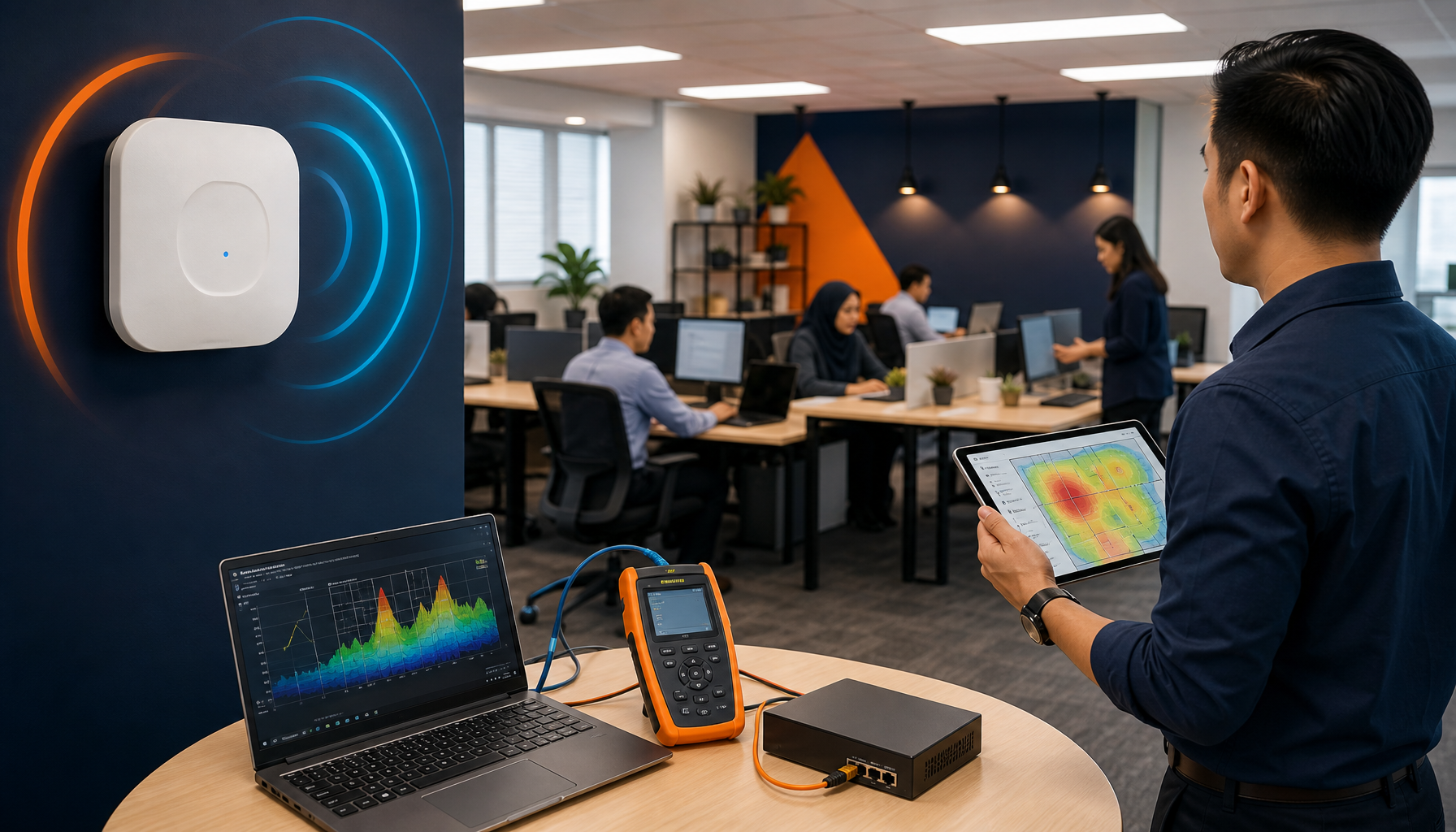
A WiFi site survey is the foundation of reliable wireless coverage across multi-site office environments in APAC — skipping it leads to dead zones, interference and repeated on-site troubleshooting calls. This post covers four practical steps to conduct a WiFi site survey effectively, whether you are planning a new office fit-out or diagnosing chronic coverage problems at a remote site. Getting this right means fewer escalations and more predictable performance across your regional footprint.
A common pattern across APAC offices is that WiFi problems only surface after fit-out is complete. You get a call from the Manila office that video calls are dropping in the far wing, or the Bangkok team reports that the warehouse floor has no connectivity at all. At that point, resolving it means flying someone in or scrambling to find a qualified local vendor — both expensive and disruptive.
The underlying cause is almost always the same: no structured pre-deployment survey was done. Access points were placed based on floor plans and instinct, not on actual RF measurements and obstacle mapping.
What Does a WiFi Site Survey Actually Cover?
A WiFi site survey is a systematic process of assessing a physical space before deploying or reconfiguring wireless infrastructure. It maps signal propagation, identifies interference sources and determines the optimal number and placement of access points for the required coverage and capacity. A proper survey accounts for building materials — concrete, glass, metal partitions — all of which affect signal in different ways.
There are two main types. A passive survey listens to existing RF signals without connecting to a network, useful for diagnosing an existing environment. An active survey connects to the network and measures real throughput, latency and roaming behaviour. For a new office deployment, an active survey against a temporary AP placement gives you the most accurate baseline before cabling is committed.
Step 1 — Gather Floor Plans and Define Coverage Requirements
Start with accurate floor plans for every area that needs coverage, including meeting rooms, open floors, server rooms and any outdoor or car park areas. Mark high-density zones — large conference rooms, training areas or manufacturing floors — because these need capacity planning, not just coverage planning. A WiFi site survey without this context produces generic AP placement that will underserve your actual usage patterns.
At this stage, confirm what client devices and applications will be in use. Warehouses running barcode scanners on legacy 2.4 GHz bands have completely different requirements from executive floors running video-heavy collaboration tools on 5 GHz or 6 GHz. Getting this wrong means the survey produces a design that does not match operational reality.
Step 2 — Conduct the Physical Walkthrough and RF Measurement
The physical walkthrough is where the WiFi site survey produces its core data. An engineer walks the entire space with a spectrum analyser and survey tool, recording signal strength, noise floor, channel utilisation and interference from neighbouring networks or non-WiFi devices like microwave equipment or Bluetooth concentrations. Every dead zone and signal shadow gets documented.
In multi-floor buildings, vertical interference between floors matters too. Co-channel interference from APs directly above or below can degrade performance significantly, which is a detail that often gets missed when surveys are conducted floor by floor without cross-floor RF analysis. For a methodology reference, Cisco’s Wireless LAN Design Guide outlines the standard approach used across enterprise deployments.
Step 3 — Produce the AP Placement Design and Validate It
Based on the survey data, a heat map and AP placement design is produced showing predicted coverage for each floor. This feeds directly into your network management and structured cabling scope — conduit routes, ceiling access points and PoE switch port counts all depend on this output. Validate the design with a post-installation survey once APs are physically deployed, not just trusted on paper.
For offices across Singapore, Jakarta, the Philippines and other APAC locations, this validation step is where local smart hands vendors add real value — a remote engineer cannot walk the floor and confirm signal boundaries. On-site verification catches placement errors before they become support tickets.
Step 4 — Document and Handover for Ongoing Management
A WiFi site survey is only useful long-term if the output is properly documented. The handover pack should include the heat maps, AP inventory with MAC addresses and placement coordinates, channel and power configurations, and any known interference sources to monitor. This documentation becomes the reference point for every future change, expansion or fault diagnosis at that site.
Without this, every new engineer who touches the network starts from scratch — a pattern that compounds across a regional portfolio with dozens of sites.
Frequently Asked Questions
How long does a WiFi site survey take for a typical office?
For a standard single-floor office of 200 to 500 square metres, a professional WiFi site survey typically takes half a day including walkthrough, measurement and initial report. Larger or multi-floor sites take longer, and sites with complex environments like warehouses or manufacturing floors may require a full day or more.
Do you need a WiFi site survey for a small office?
Even small offices benefit from a basic WiFi site survey if they have meeting rooms, concrete internal walls or plan to run video calls and cloud applications. A brief walkthrough with RF measurement prevents common problems like dead zones in boardrooms or interference from neighbouring networks in shared buildings.
Can a WiFi site survey be done remotely?
A full WiFi site survey requires physical presence — RF measurements depend on walking the actual space with the right equipment. Remote analysis of existing network logs can help diagnose some issues, but it cannot replace on-site measurement for new deployments or major reconfigurations. This is why regional IT teams often use local smart hands engineers for survey work across APAC sites.
Servcom Solutions provides WiFi site survey support and wireless network deployment across Malaysia and APAC, including offices in Singapore, Jakarta, Manila, Bangkok and beyond. For offices that need reliable wireless coverage designed from the ground up, the WiFi services team at Servcom can coordinate surveys and deployments at both local and regional sites. Reach out via www.servcom.my to discuss your requirements.