
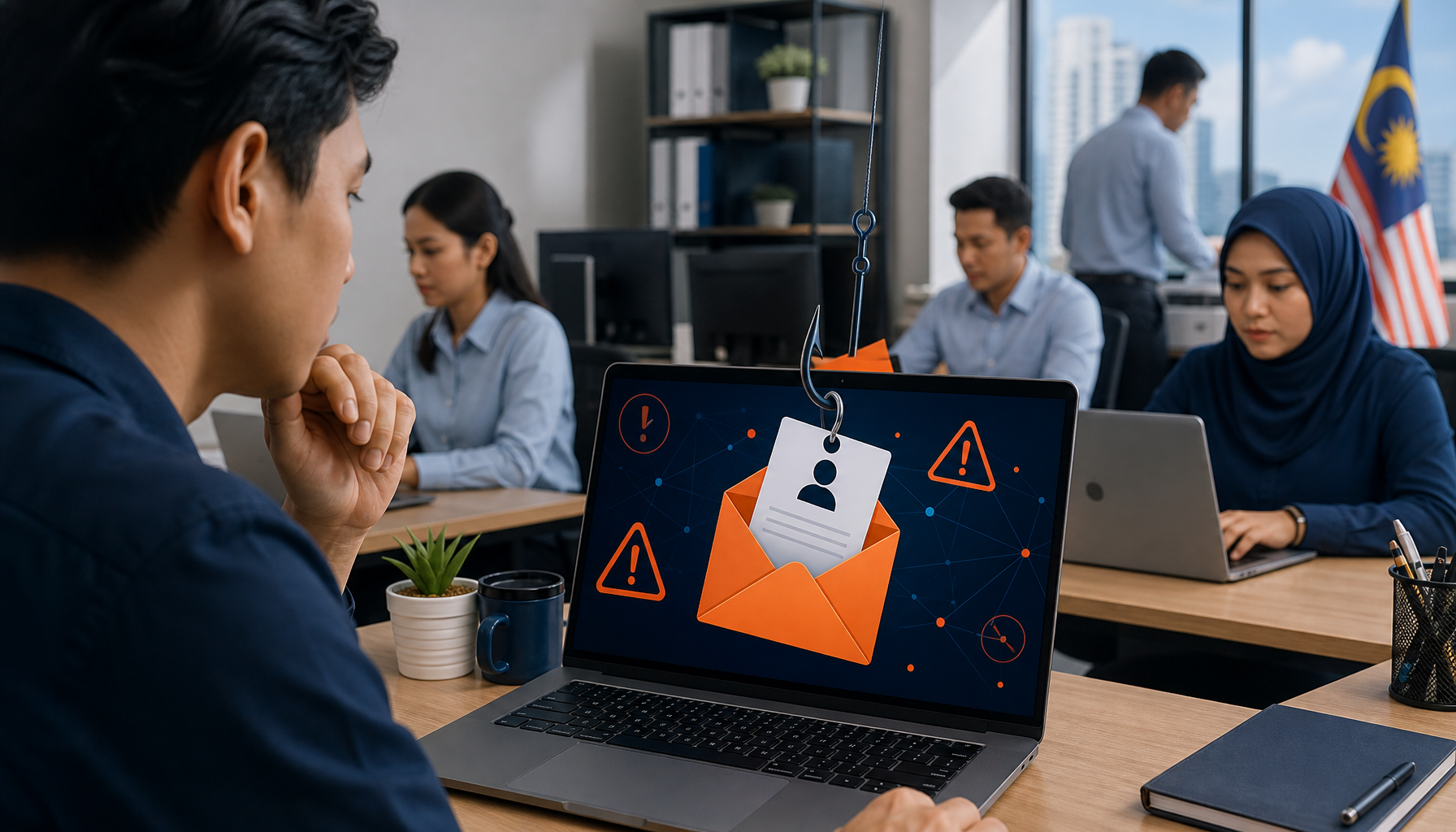
Phishing scams are one of the most common ways criminals steal passwords, money and personal information from office staff in Malaysia. This post covers nine clear warning signs you can check before you click anything, so you can protect yourself and your company without needing any IT knowledge. Recognising phishing scams early is the fastest way to stop a problem before it starts.
You are going through your morning emails when one arrives from what looks like LHDN, your bank, or a courier service. It says there is an urgent problem with your account or a pending delivery. You need to act now, or something bad will happen. This pressure is deliberate, and it is one of the oldest tricks in the book.
What Do Phishing Scams Actually Look Like?
Phishing scams are fake messages designed to trick you into clicking a link or giving away information. They arrive by email, WhatsApp, or SMS and are often dressed up to look like official communications from TNB, Maybank, CIMB, Pos Malaysia or government departments. The logos and formatting can look convincing at first glance.
The goal is always the same — to get you to hand over a password, click a link that installs something harmful, or transfer money to an account. Office staff in admin, HR and finance are common targets because scammers assume those roles have access to company accounts and payment systems.
9 Warning Signs You Should Always Check
First, look at the sender’s email address carefully. A message claiming to be from LHDN might come from a Gmail or a misspelled domain like lhdn-gov.my.info — that is not a real government address. Second, watch for extreme urgency. Legitimate organisations do not threaten to freeze your account within the hour. Third, hover over any link before clicking — if the web address looks strange or does not match the organisation, do not click.
Fourth, check for spelling mistakes and awkward phrasing. Official emails from banks and government bodies are proofread. Fifth, be suspicious of attachments you were not expecting, especially anything with a .exe or .zip file extension. Sixth, if a message asks you to enter your password or banking details on a website, stop. Real banks never ask for your full password via email or SMS.
Seventh, WhatsApp messages offering prizes, job opportunities or claiming your account has been hacked are almost always phishing scams. Eighth, messages that come from someone in your own contact list but feel out of character may mean that person has been compromised. Ninth, if you are ever unsure, call the organisation directly using a phone number from their official website — not the one in the message.
The MyCERT website run by CyberSecurity Malaysia publishes current scam alerts and is worth bookmarking for reference.
What Should You Do If You Spot One?
Do not click anything in the message. Do not reply. If the message arrived on your work email or work phone, let your IT support team know straight away — even if you are not sure it is a scam. It is always better to flag it and be wrong than to ignore it and be right.
If you accidentally clicked a link or entered your details somewhere, change your password immediately and inform your IT team. Quick action can limit the damage. Your IT support team in Selangor or wherever your office is based should have a clear process for handling these reports.
For offices in Kuala Lumpur, make sure your IT contact is easy to reach during office hours so staff can report suspicious messages without delay. A fast response makes a real difference.
Frequently Asked Questions
Are phishing scams in Malaysia getting more common?
Phishing scams targeting Malaysian office workers have increased significantly in recent years, particularly fake messages impersonating banks, LHDN and parcel delivery services. Staying alert to the warning signs above is the most practical defence available to everyday staff.
Can phishing scams arrive on WhatsApp, not just email?
Phishing scams frequently arrive via WhatsApp in Malaysia. Common examples include fake prize notifications, messages claiming your account will be suspended, and links disguised as parcel tracking pages. Treat unexpected WhatsApp links with the same caution you would apply to email.
What if I am not sure whether a message is a phishing scam?
If you are unsure, do not click anything. Contact the organisation directly through their official website or phone number. You can also forward suspicious emails to your IT support team for a quick check. When in doubt, waiting a few minutes is always safer than clicking immediately.
Servcom Solutions provides IT support services to businesses across Malaysia, helping office teams stay protected against everyday threats including phishing scams. If your team needs clearer processes for reporting suspicious messages or reviewing your current security setup, get in touch at www.servcom.my/contact.